
ThingsBoard 自定义开发
正文、配图与代码来自原稿。聚焦 MQTT Transport 侧「非标准 JSON」上报与下发。
1、自定义 RPC 下发参数格式
默认:
json
{ "method": "getCurrentTime", "params": {} }设备协议不是 TB 标准 JSON 时,在 params 增加约定字段:
| 字段 | 含义 |
|---|---|
customParamSend | true 表示走自定义载荷 |
paramType | JSON 或 TEXT |
data | 实际下发内容 |
示例:
json
{
  "method": "getCurrentTime",
  "params": {
    "customParamSend": true,
    "paramType": "TEXT",
    "data": "AABBCCDD"
  }
}
json
{
  "method": "getCurrentTime",
  "params": {
    "customParamSend": true,
    "paramType": "JSON",
    "data": { "open": true, "light": 100 }
  }
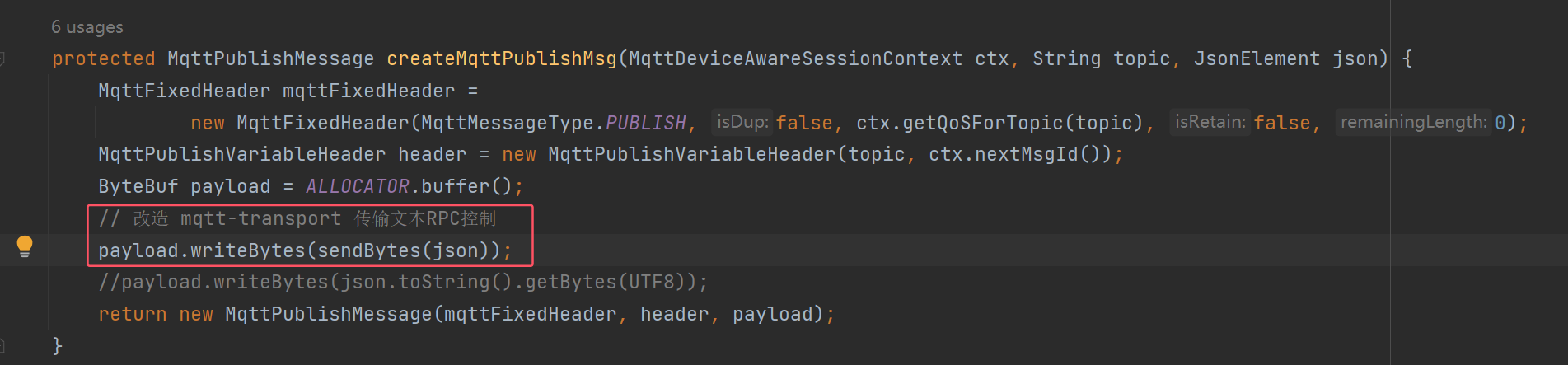
}实现位置:onToDeviceRpcRequest → convertToPublish → createMqttPublishMsg:
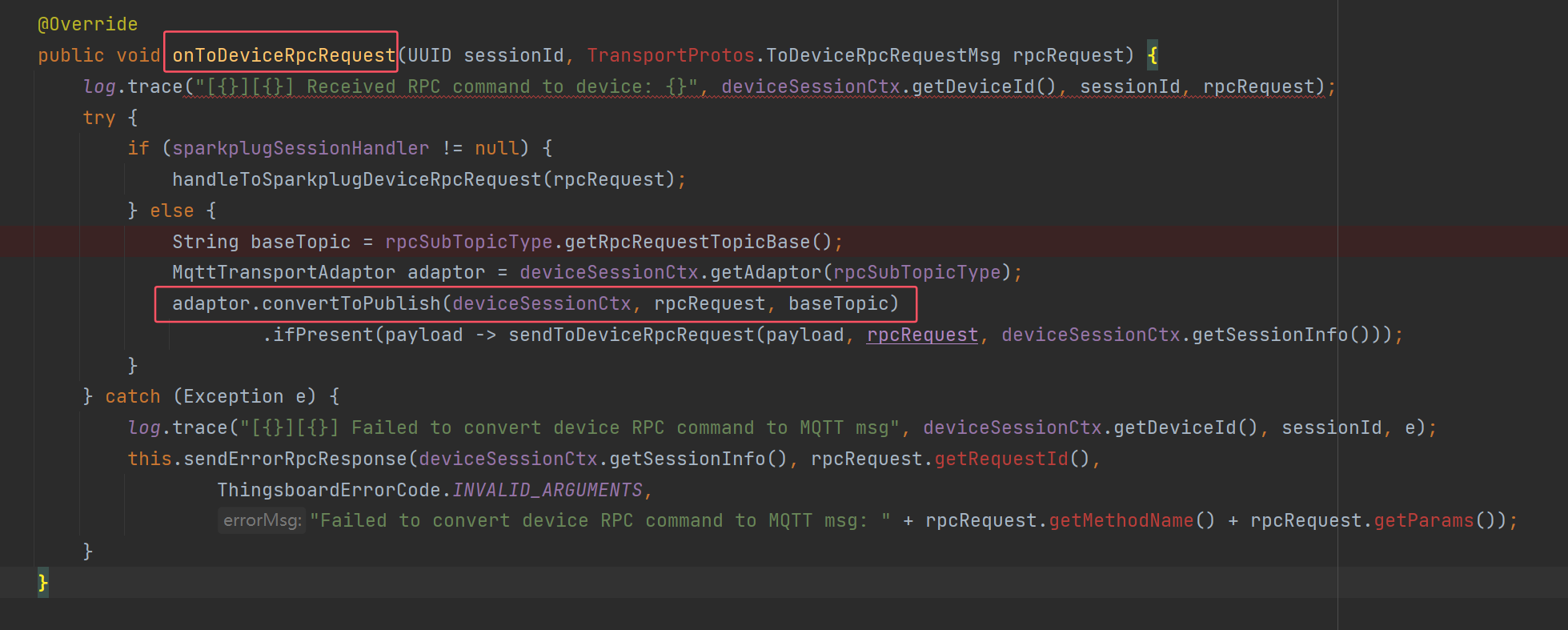
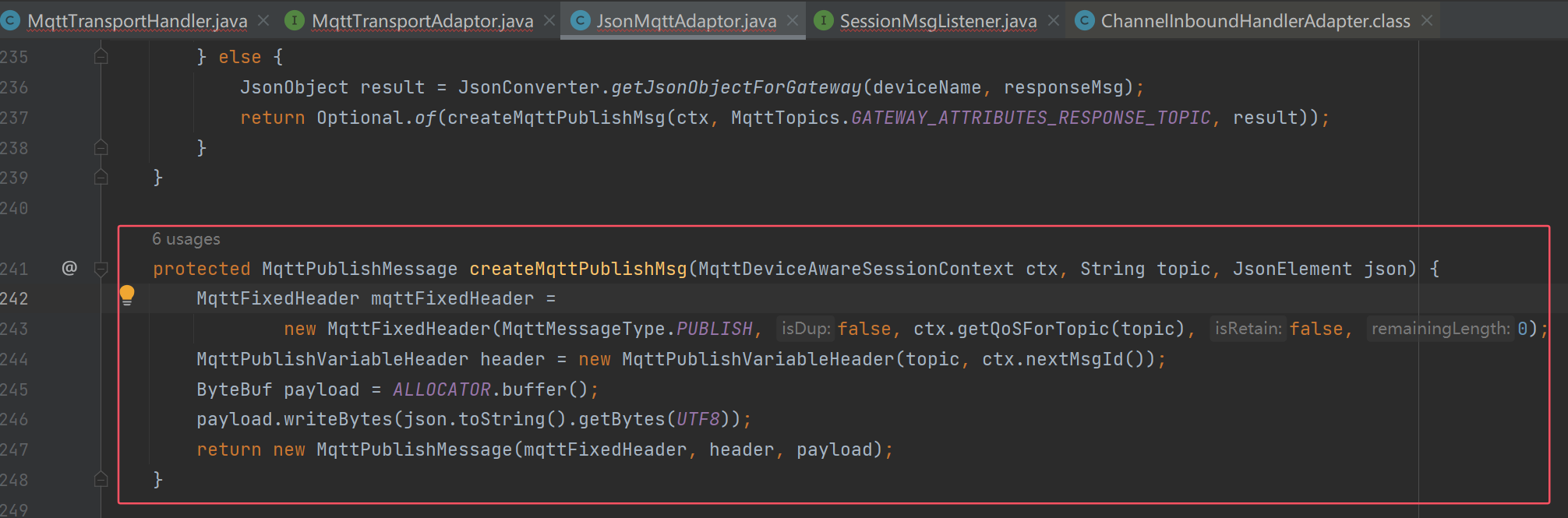
java
protected MqttPublishMessage createMqttPublishMsg(
        MqttDeviceAwareSessionContext ctx, String topic, JsonElement json) {
    MqttFixedHeader mqttFixedHeader =
            new MqttFixedHeader(MqttMessageType.PUBLISH, false, ctx.getQoSForTopic(topic), false, 0);
    MqttPublishVariableHeader header = new MqttPublishVariableHeader(topic, ctx.nextMsgId());
    ByteBuf payload = ALLOCATOR.buffer();
    payload.writeBytes(sendBytes(json));
    return new MqttPublishMessage(mqttFixedHeader, header, payload);
}

private byte[] sendBytes(JsonElement json) {
    JsonObject obj = json.getAsJsonObject();
    JsonObject params = obj.getAsJsonObject("params");
    JsonElement customParamSendJson = params.get("customParamSend");
    JsonElement paramTypeJson = params.get("paramType");
    if (customParamSendJson != null && paramTypeJson != null
            && customParamSendJson.getAsBoolean()) {
        String paramType = paramTypeJson.getAsString();
        if ("JSON".equals(paramType)) {
            return params.get("data").toString().getBytes(UTF8);
        } else if ("TEXT".equals(paramType)) {
            return params.get("data").getAsString().getBytes(UTF8);
        }
    }
    return json.toString().getBytes(UTF8);
}
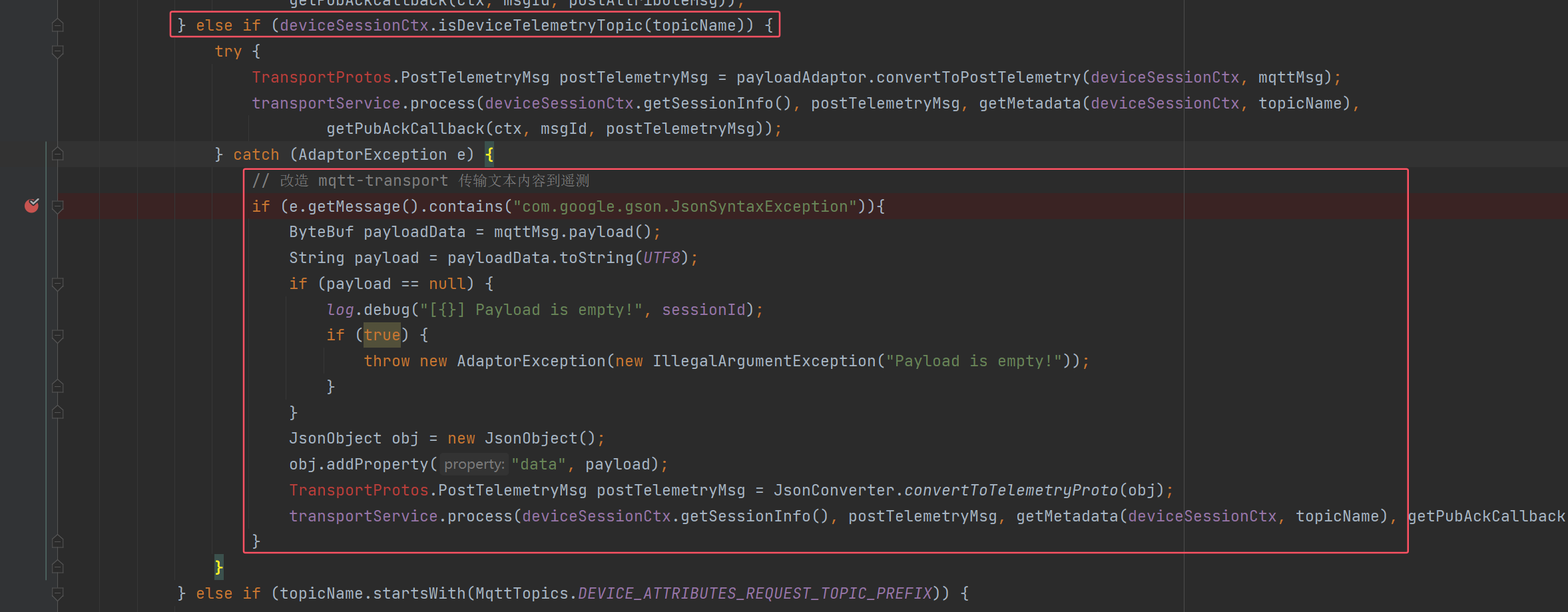
2、兼容 MQTT 上传文本 / HEX
遥测 Topic 上 JSON 解析失败时,包成 {"data": payload} 再入库(与 文本遥测改造 相同思路):
3、小结
用 customParamSend 区分标准 RPC 与透传;上报侧兜底 data 字段。品牌/UI 定制见 定制化开发。