
改造 mqtt-transport 传输文本内容到遥测
正文、配图与代码来自原稿。设备上报非 JSON、或 RPC 要透传原始控制串时,需改 MQTT Transport。
1、背景
标准 v1/devices/me/telemetry 期望 JSON。现场常有 HEX/纯文本载荷,默认会因 JsonSyntaxException 失败。
2、改造上报遥测
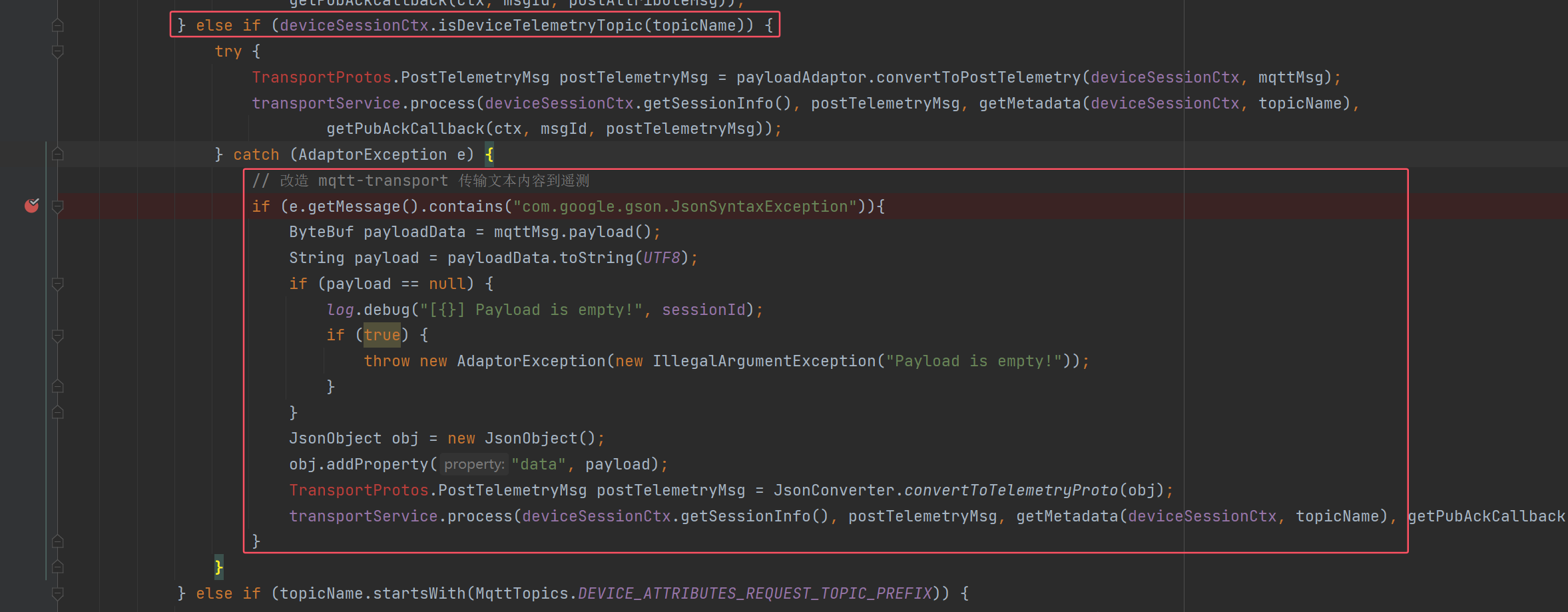
在遥测 Topic 处理处,捕获适配异常后把原文包进 {"data":"..."}:
java
else if (deviceSessionCtx.isDeviceTelemetryTopic(topicName)) {
    try {
        TransportProtos.PostTelemetryMsg postTelemetryMsg =
                payloadAdaptor.convertToPostTelemetry(deviceSessionCtx, mqttMsg);
        transportService.process(deviceSessionCtx.getSessionInfo(), postTelemetryMsg,
                getMetadata(deviceSessionCtx, topicName),
                getPubAckCallback(ctx, msgId, postTelemetryMsg));
    } catch (AdaptorException e) {
        if (e.getMessage().contains("com.google.gson.JsonSyntaxException")) {
            ByteBuf payloadData = mqttMsg.payload();
            String payload = payloadData.toString(UTF8);
            if (payload == null) {
                log.debug("[{}] Payload is empty!", sessionId);
                throw new AdaptorException(new IllegalArgumentException("Payload is empty!"));
            }
            JsonObject obj = new JsonObject();
            obj.addProperty("data", payload);
            TransportProtos.PostTelemetryMsg postTelemetryMsg =
                    JsonConverter.convertToTelemetryProto(obj);
            transportService.process(deviceSessionCtx.getSessionInfo(), postTelemetryMsg,
                    getMetadata(deviceSessionCtx, topicName),
                    getPubAckCallback(ctx, msgId, postTelemetryMsg));
        }
    }
}
3、改造下发 RPC
平台仍用标准 RPC JSON,把真实指令放进 params:
json
{
  "method": "getCurrentTime",
  "params": {
    "sendText": true,
    "control": "这是你的完整控制指令"
  }
}
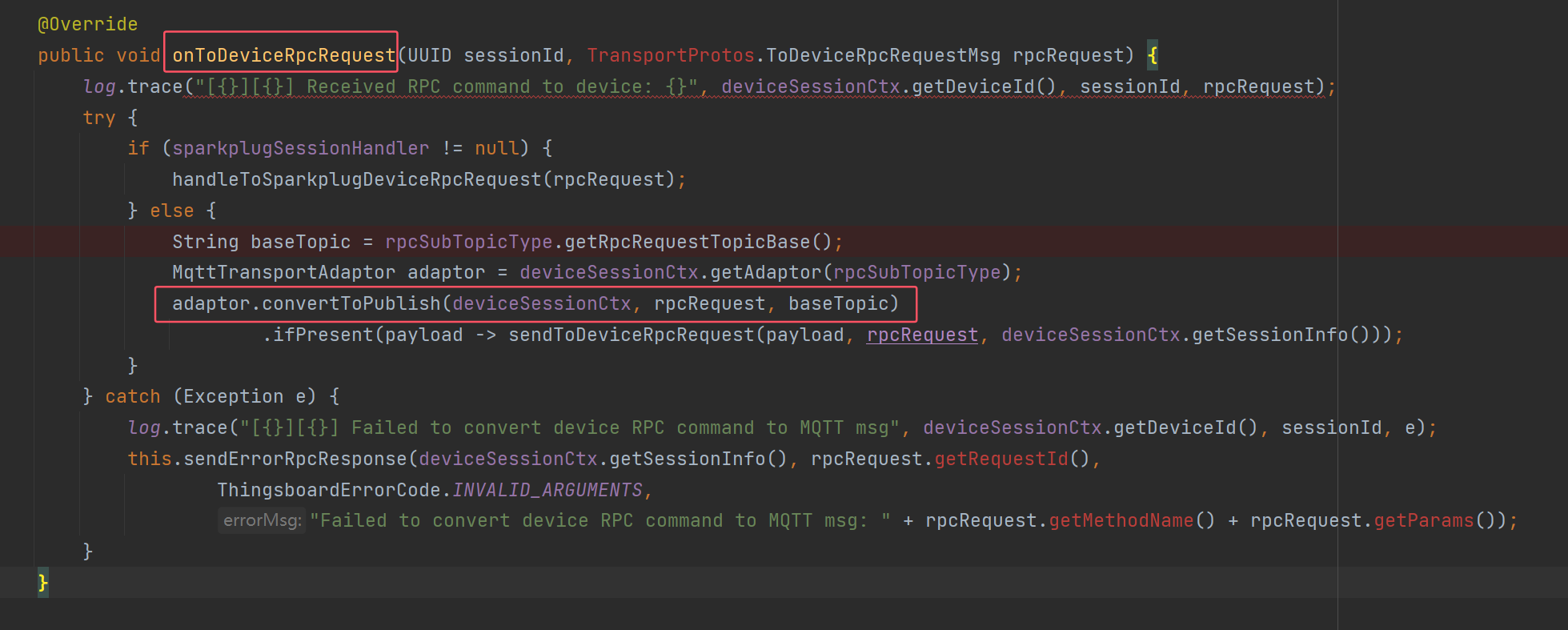
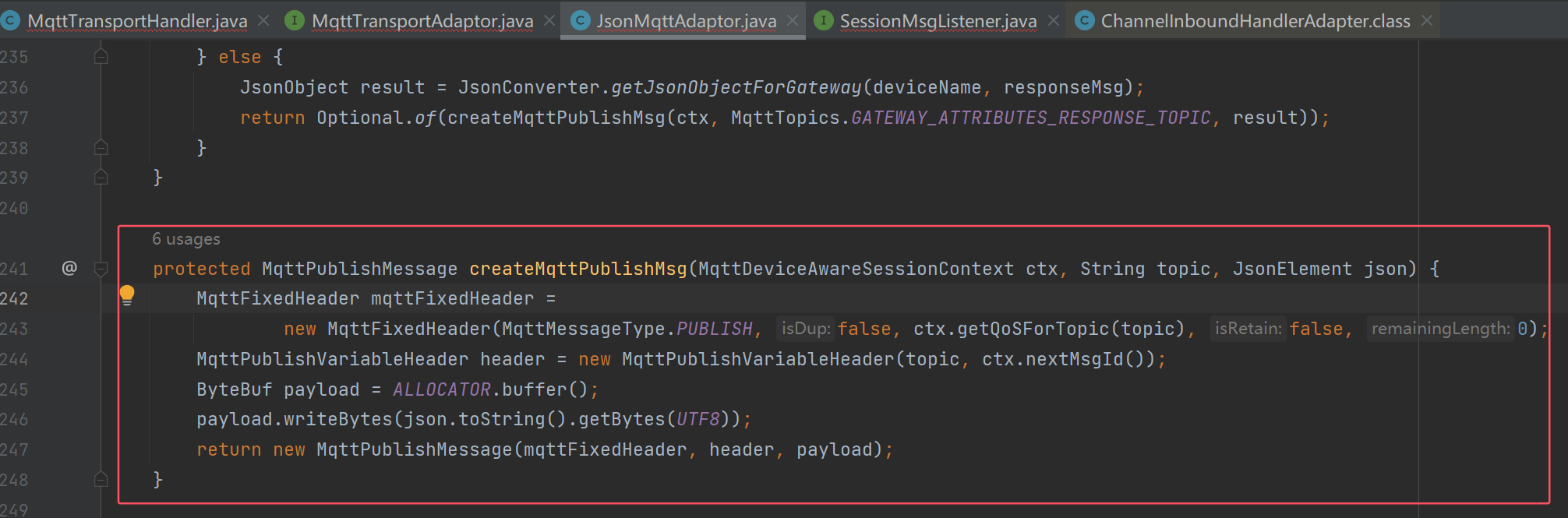
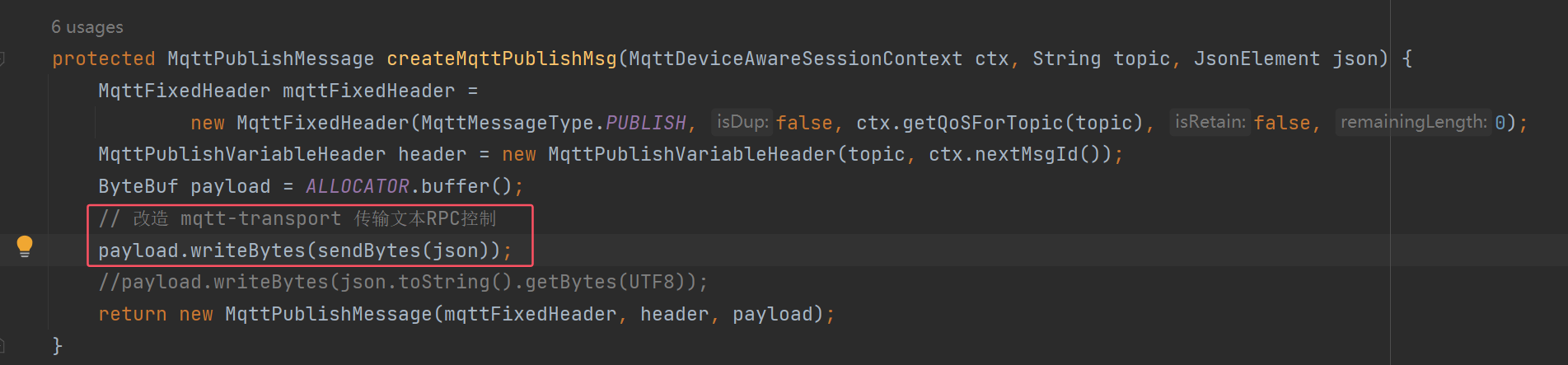
在 onToDeviceRpcRequest → adaptor.convertToPublish → createMqttPublishMsg 中改写 payload:
java
protected MqttPublishMessage createMqttPublishMsg(
        MqttDeviceAwareSessionContext ctx, String topic, JsonElement json) {
    MqttFixedHeader mqttFixedHeader =
            new MqttFixedHeader(MqttMessageType.PUBLISH, false, ctx.getQoSForTopic(topic), false, 0);
    MqttPublishVariableHeader header = new MqttPublishVariableHeader(topic, ctx.nextMsgId());
    ByteBuf payload = ALLOCATOR.buffer();
    payload.writeBytes(sendBytes(json));
    return new MqttPublishMessage(mqttFixedHeader, header, payload);
}

private byte[] sendBytes(JsonElement json) {
    JsonObject obj = json.getAsJsonObject();
    JsonObject params = obj.getAsJsonObject("params");
    JsonElement sendTextJson = params.get("sendText");
    if (sendTextJson != null && sendTextJson.getAsBoolean()) {
        String control = params.get("control").getAsString();
        return control.getBytes(UTF8);
    }
    return json.toString().getBytes(UTF8);
}
4、小结
上报失败降级为 data 字符串键;下发用 sendText + control 透传。更完整的 customParamSend/paramType 方案见 自定义开发 与 定制化开发。